AMRAP timer screen with Chalky
Chalky with dumbbells
Timers

Built-in timers for every WOD

From For Time to custom sequences, ChalkClash has every timer you need. Start straight from the workout card, configure sets and rounds, and save your score to the leaderboard in one tap.

Timer Modes

Every format, one app

Whether your coach programs an AMRAP, an EMOM, a Tabata, or a custom sequence of intervals, ChalkClash handles it natively. Built by an athlete, for athletes.

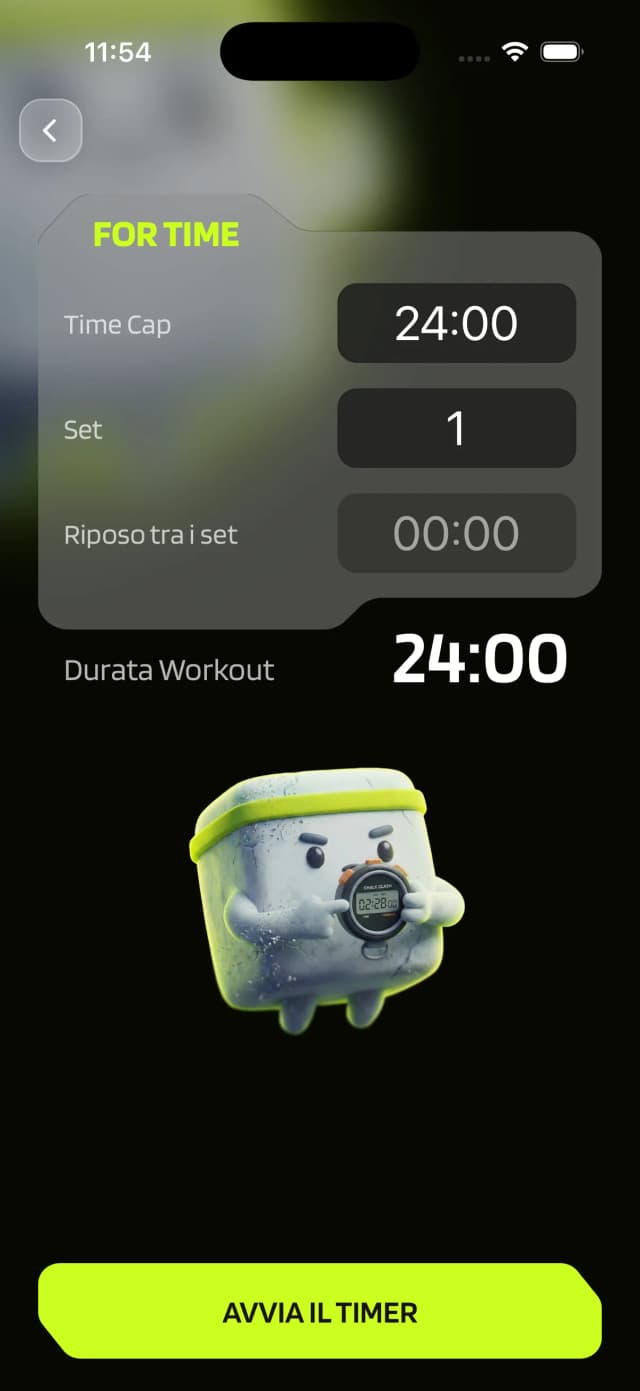
For Time timer screen

For Time

Finish the workout as fast as possible.

  • Set the time cap
  • Configure multiple sets with built-in rest
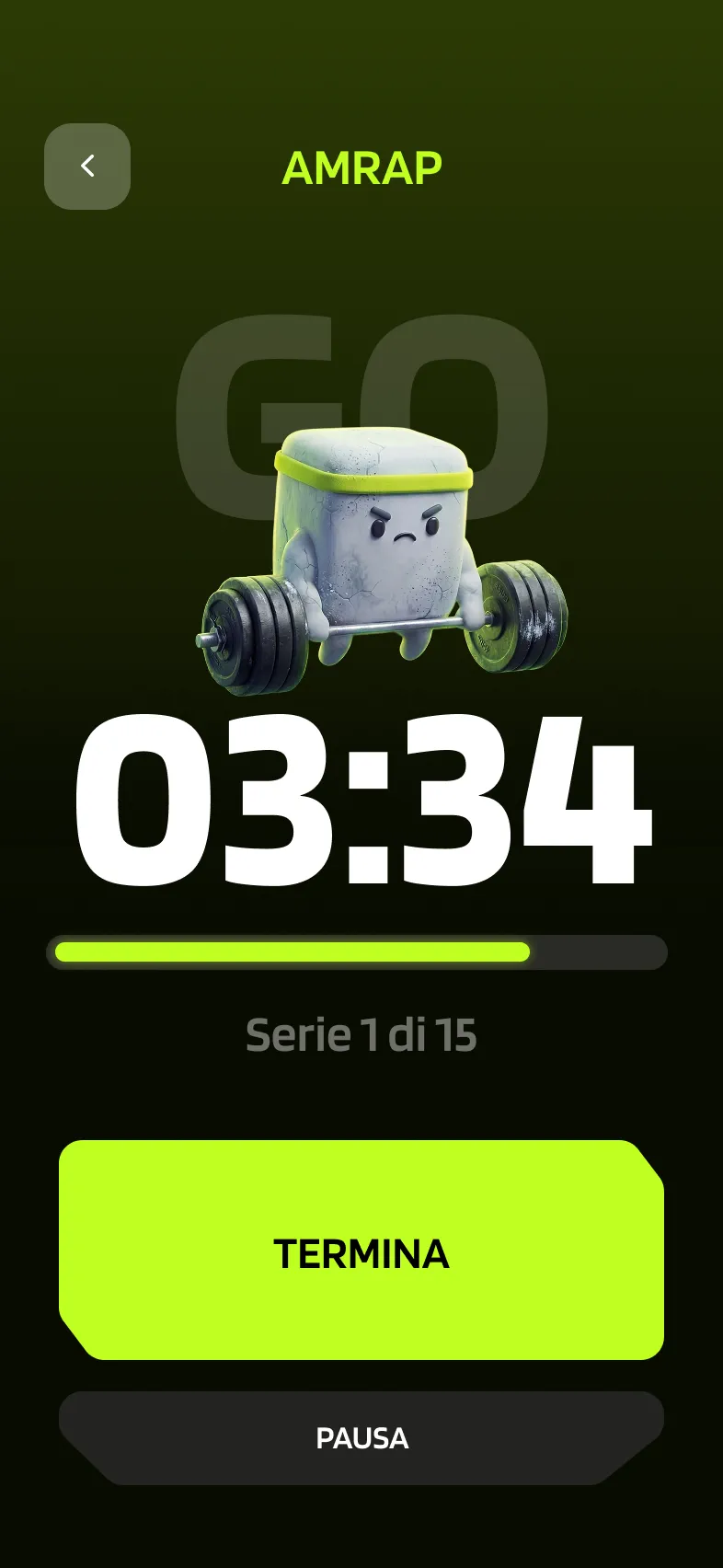
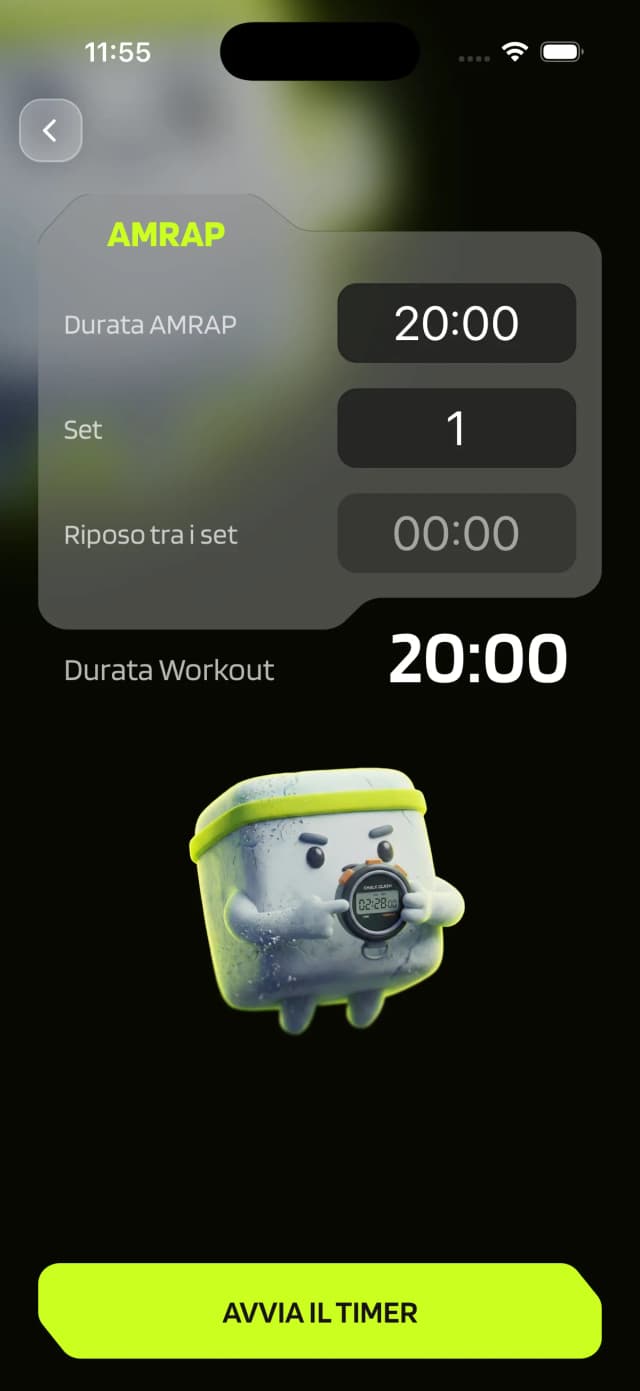
AMRAP timer screen

AMRAP

Start the timer and work until time runs out.

  • Set the AMRAP duration
  • Configure multiple sets with built-in rest

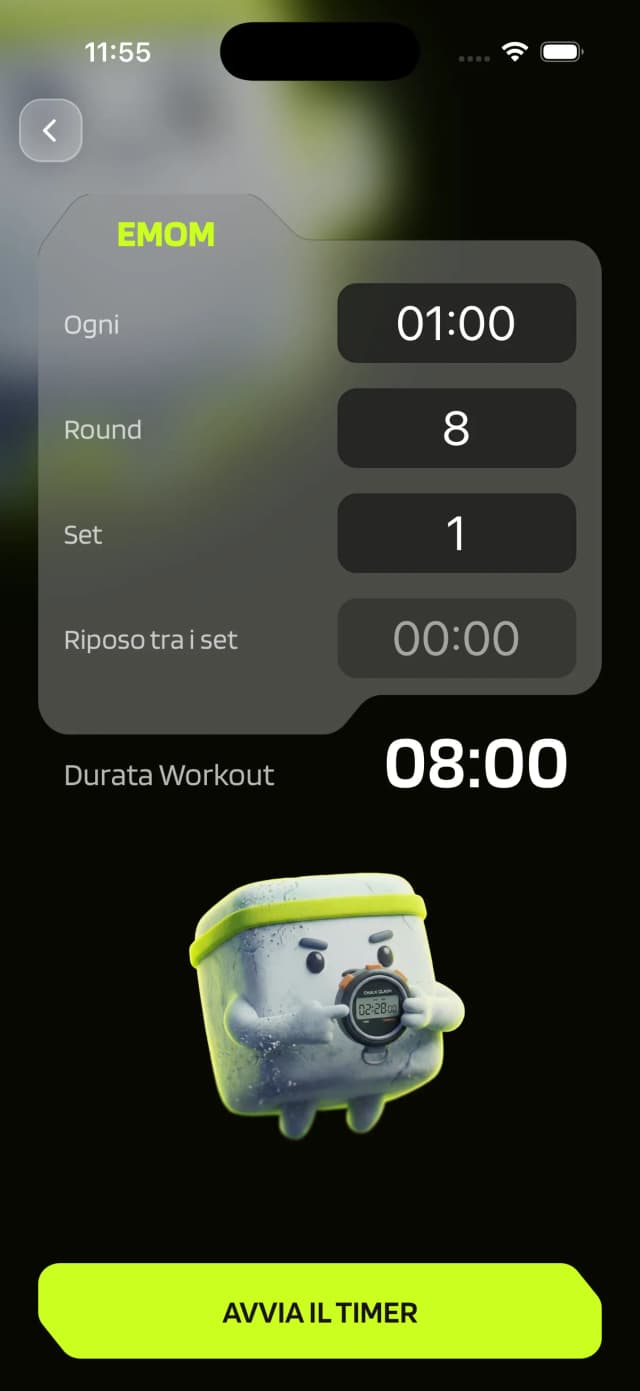
EMOM timer screen

EMOM

Complete the work at regular intervals.
  • Choose the work-interval duration
  • Choose the number of rounds
  • Configure multiple sets with built-in rest
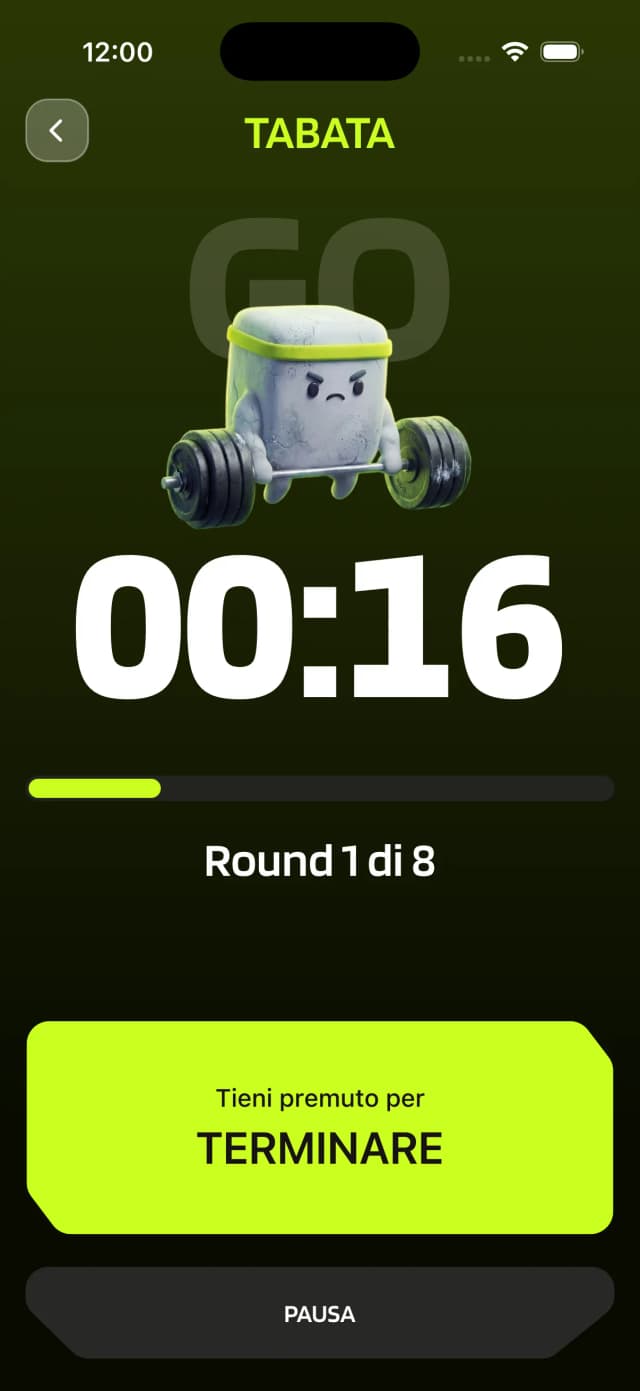
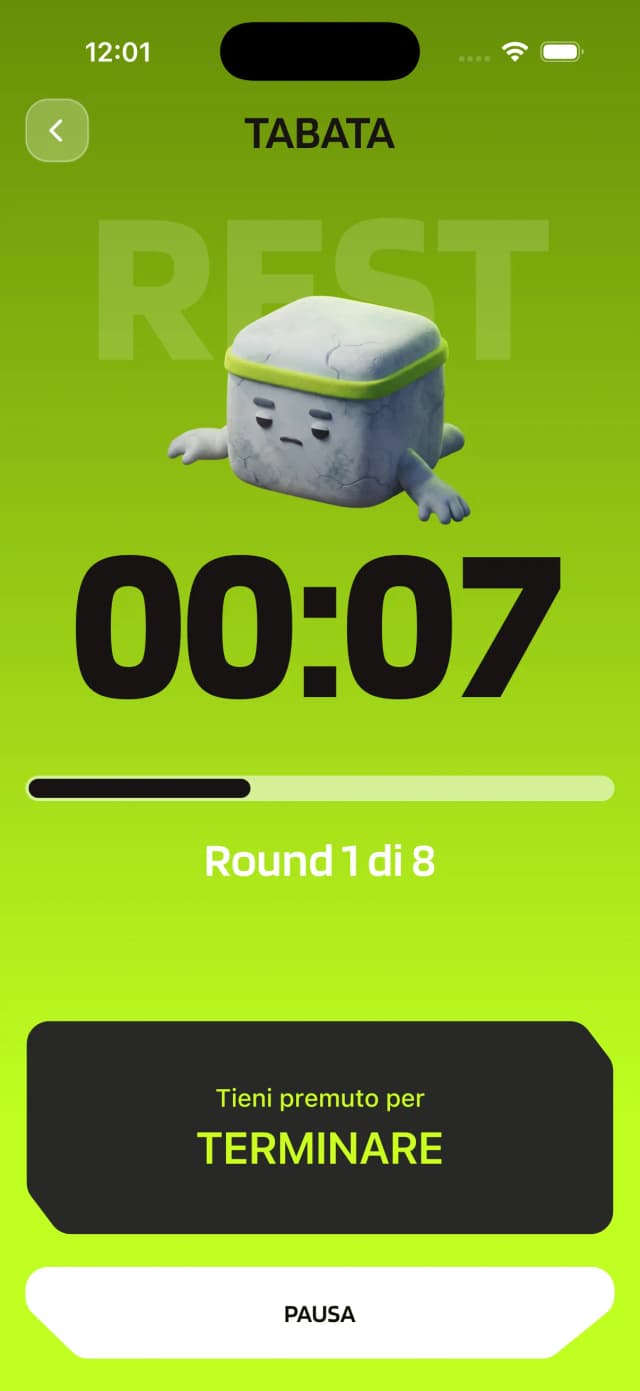
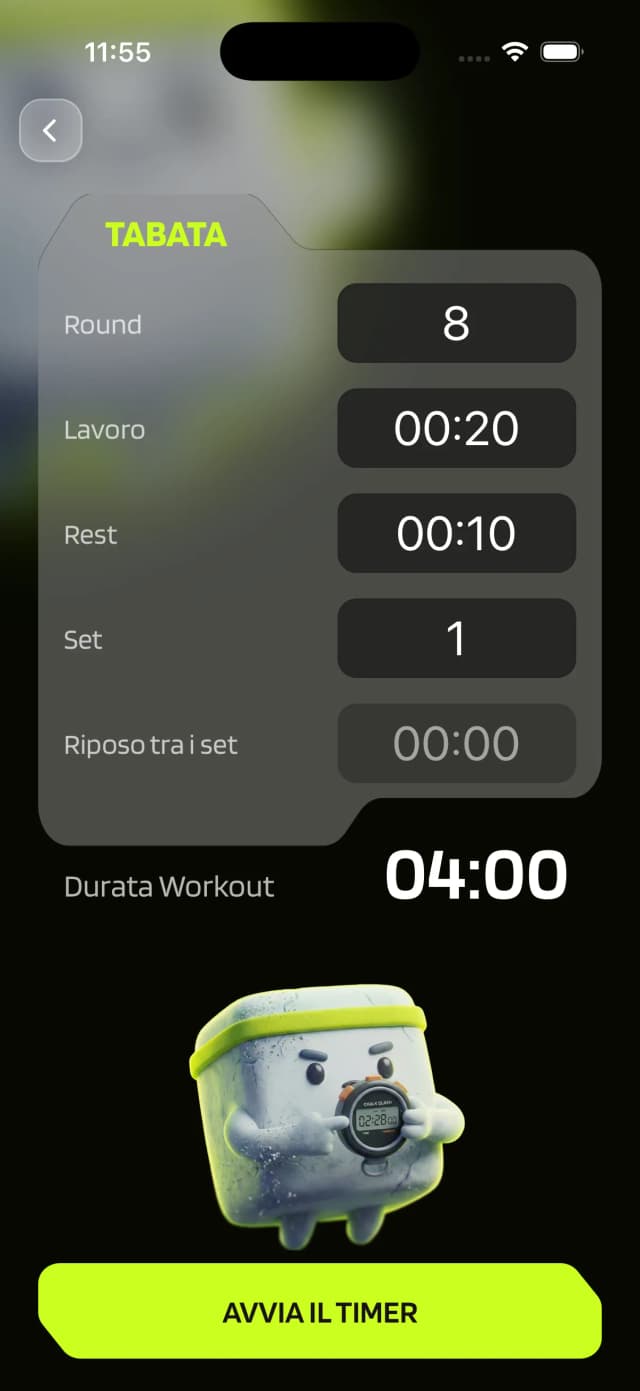
Tabata timer screen

Tabata

Work at regular intervals with a defined rest window.
  • Choose the work interval duration
  • Choose the rest interval duration
  • Choose the number of rounds
  • Configure multiple sets with built-in rest
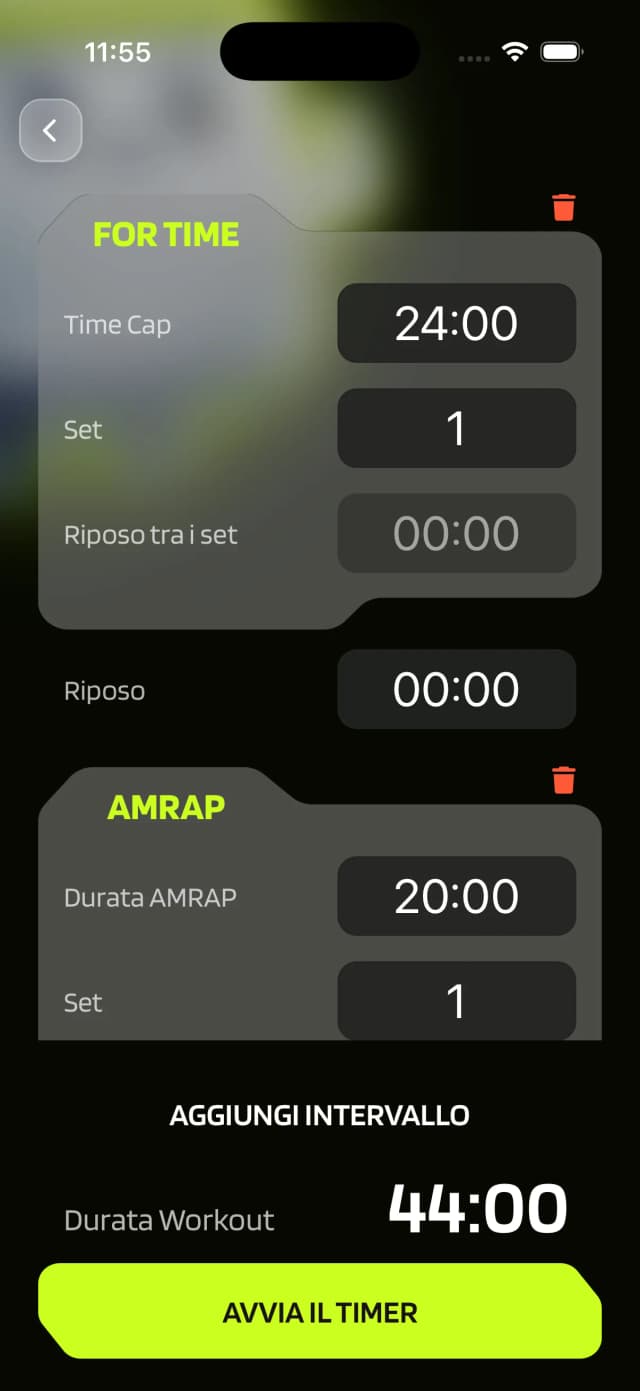
Custom timer screen

Custom

Combine the other modes in any sequence you want.

  • Mix any mode into one sequence
  • Add rest between intervals
  • Build complex WODs step by step

See it in action

Timers in action

Screenshots

featureTimers.gallery.images.setup
featureTimers.gallery.images.running
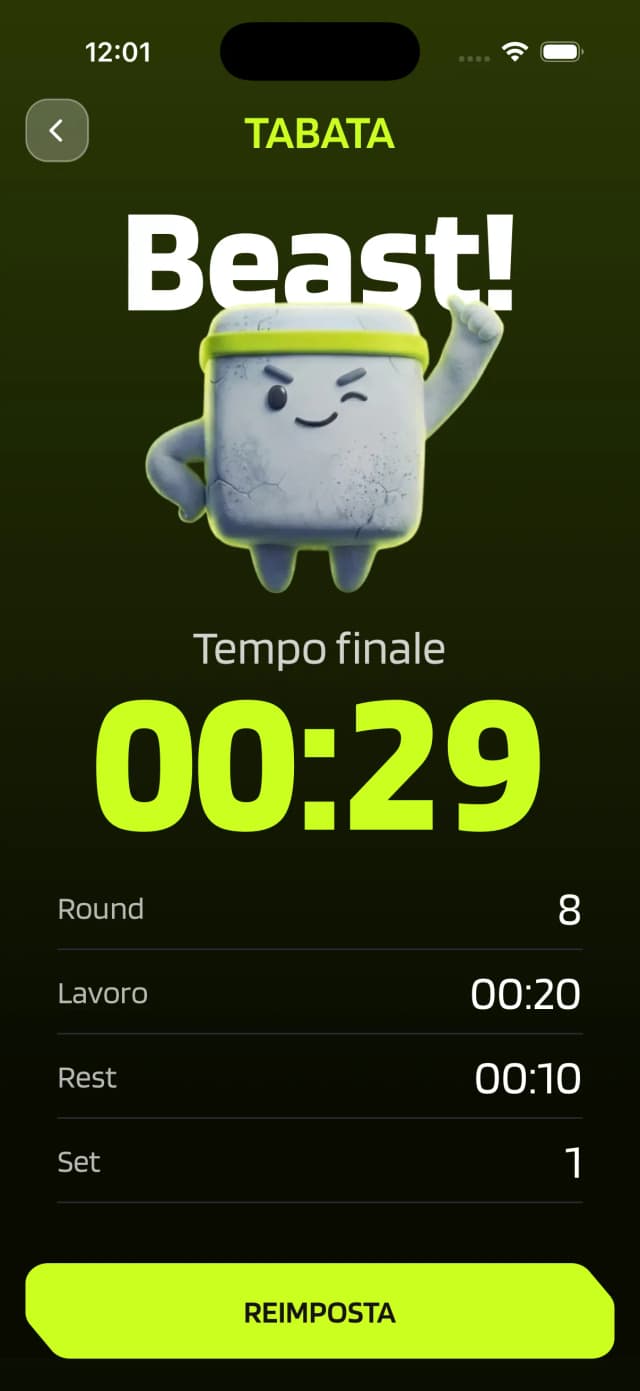
featureTimers.gallery.images.score
featureTimers.gallery.images.workout

How it works

From setup to leaderboard in 3 steps

01

Choose your mode

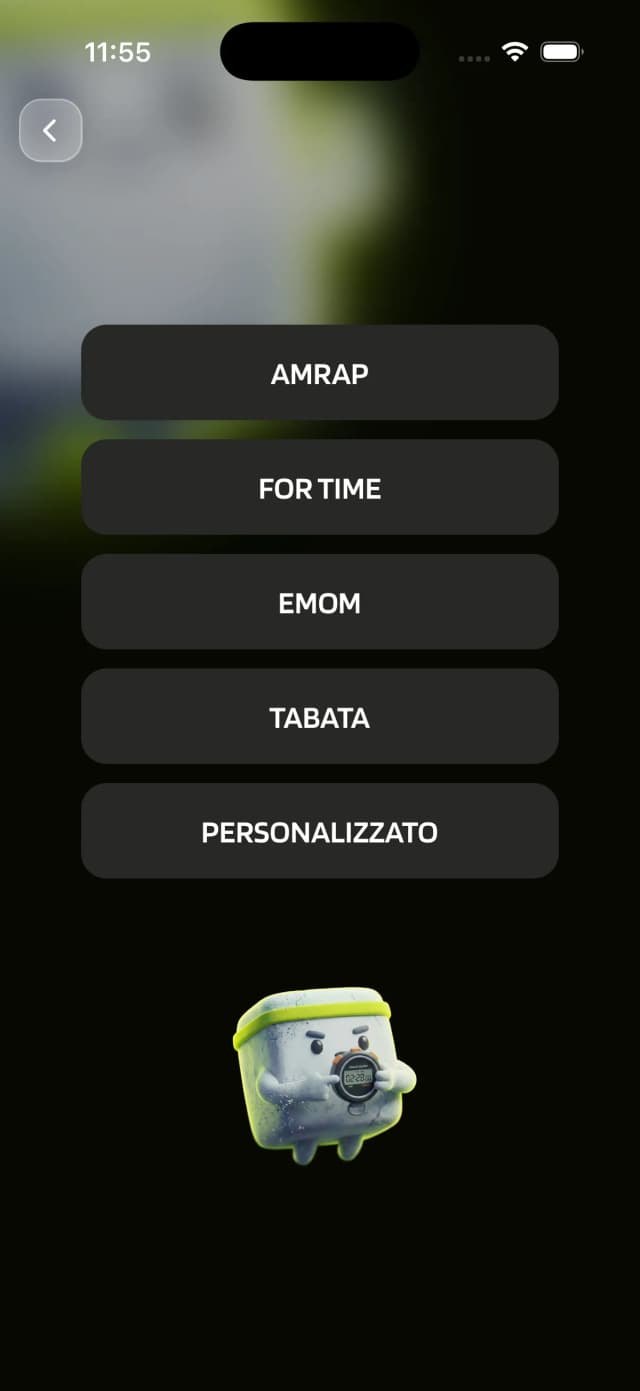
Pick For Time, AMRAP, EMOM, Tabata, or build a custom sequence. Or start straight from the workout card.

02

Configure and start

Set rounds, intervals, rest, and sets. Hit start and the timer handles the rest with audio cues.

03

Score saved

When the timer stops, your score is saved instantly to the clan leaderboard. One tap, done.

FAQ

Timer questions

What timer types does ChalkClash support?+
ChalkClash supports For Time, AMRAP, EMOM, Tabata, and a Custom mode where you can chain multiple timer types together. Every mode supports multiple sets with configurable rest between them.
Can I start a timer directly from a workout?+
Yes. From the workout card, tap Start Timer and you are ready to go. When you finish, you can also post your score straight away.
Can I create custom timer sequences?+
Absolutely. Custom mode lets you chain For Time, AMRAP, EMOM, and Tabata intervals with rest between each one. Perfect for complex WODs that mix different formats.
Does the timer give audio cues?+
Yes. For Time supports interval audio cues to help you hold pace. Every mode also gives audio signals for work-to-rest transitions.
Chalky ready to go

Ready to time your next WOD?

Download ChalkClash and start using built-in timers today.

App StoreGoogle Play