Send it to Instagram Stories
Tap the Instagram button and ChalkClash creates a sticker ready for an Instagram Story draft when Instagram is available on the device.
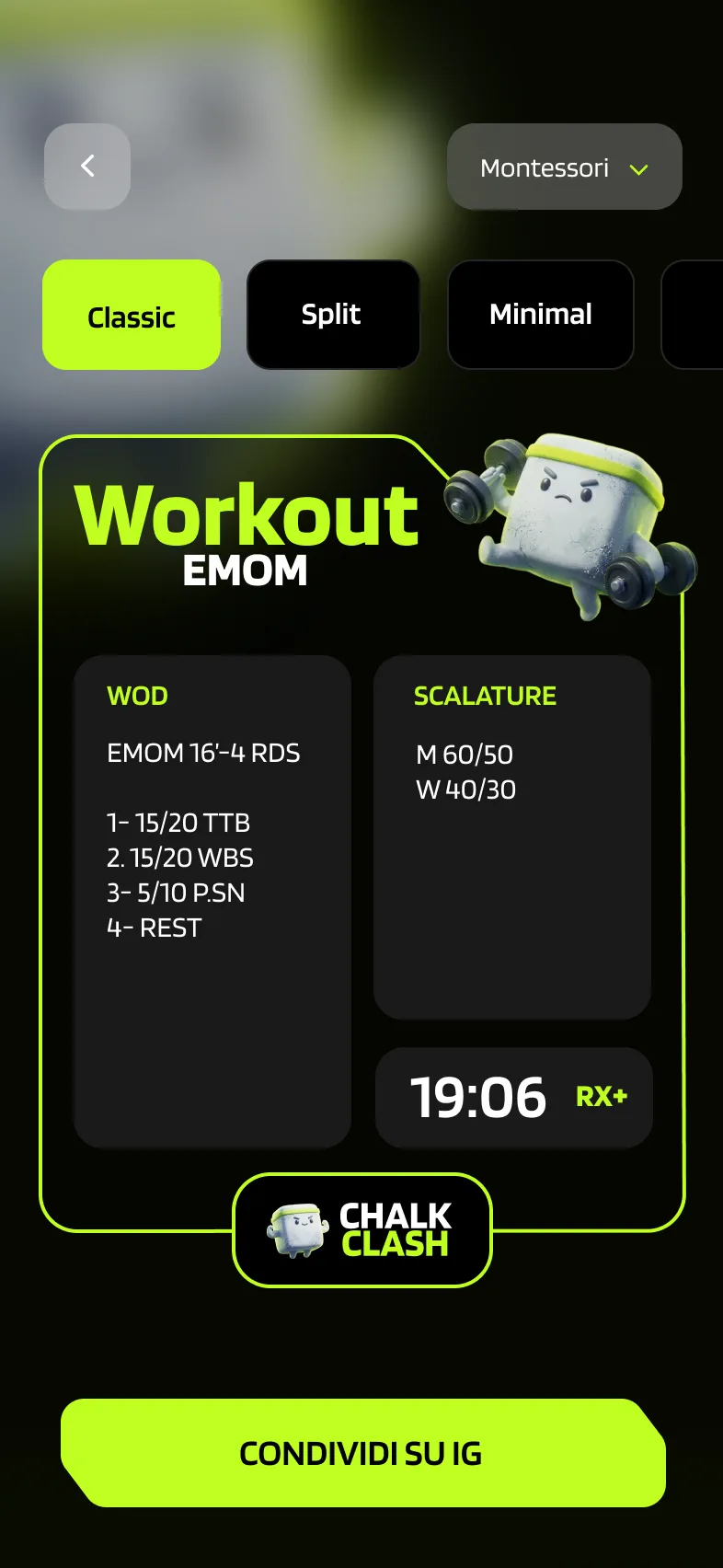
ChalkClash turns every score into a ready-to-post sticker. Choose a layout, tweak the workout details, send it to Instagram Stories, or export it anywhere you want.
Why Athletes Use It
The sharing flow is built for the moment right after a workout. Open the result, choose how it should look, tweak the details, and post it without rebuilding everything in another app.
Tap the Instagram button and ChalkClash creates a sticker ready for an Instagram Story draft when Instagram is available on the device.
Use the Share button to export the sticker, save it to your gallery, or send it through any other sharing flow on your phone.
Update the WOD description or equipment text before export so the sticker matches what you actually want to share.
Use the censored layout when you want to share the result without exposing every workout detail in the post.
Sticker Layouts
Pick the layout that fits the post you want to make. ChalkClash currently supports three score sticker formats inside the app.
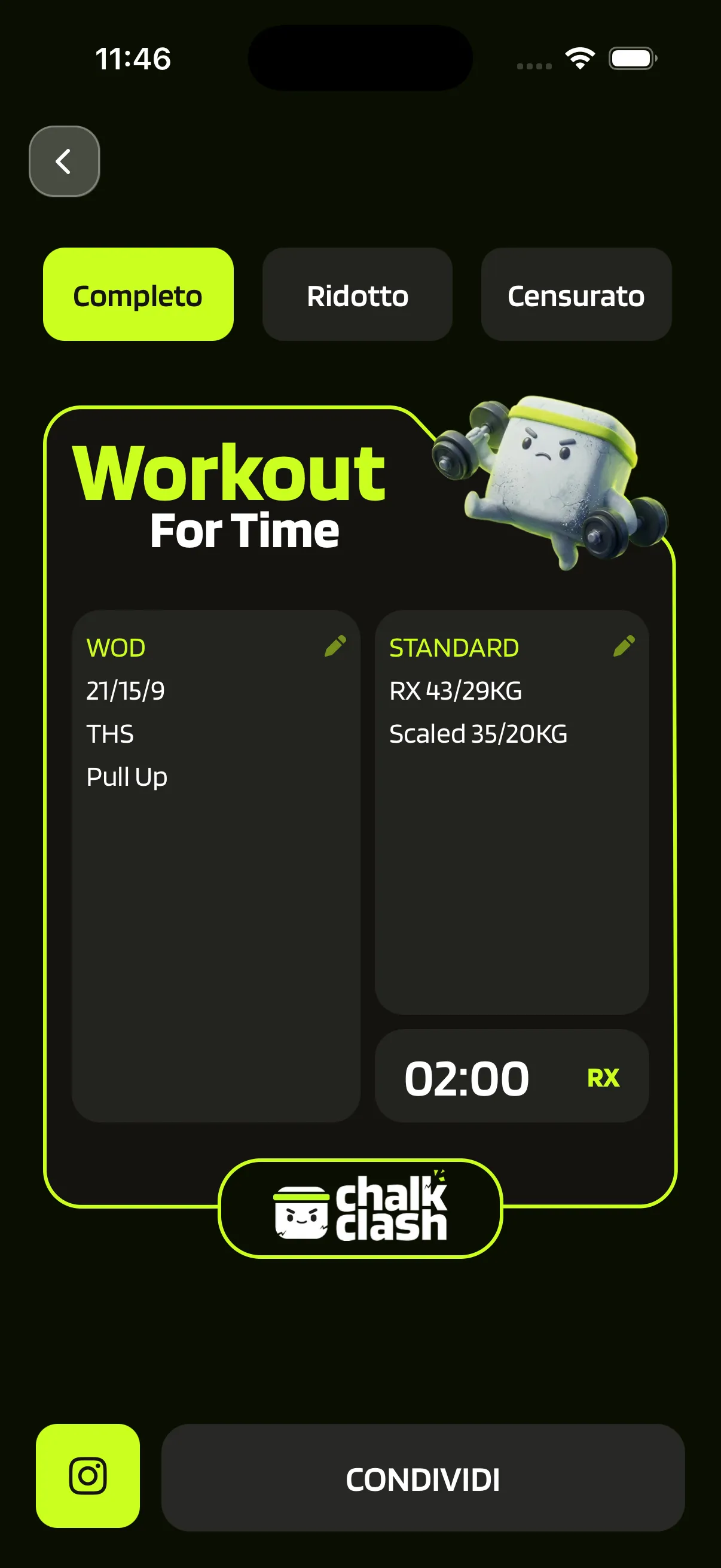
Shows the workout, standards, score, and level in a balanced sticker that works like a compact result card.
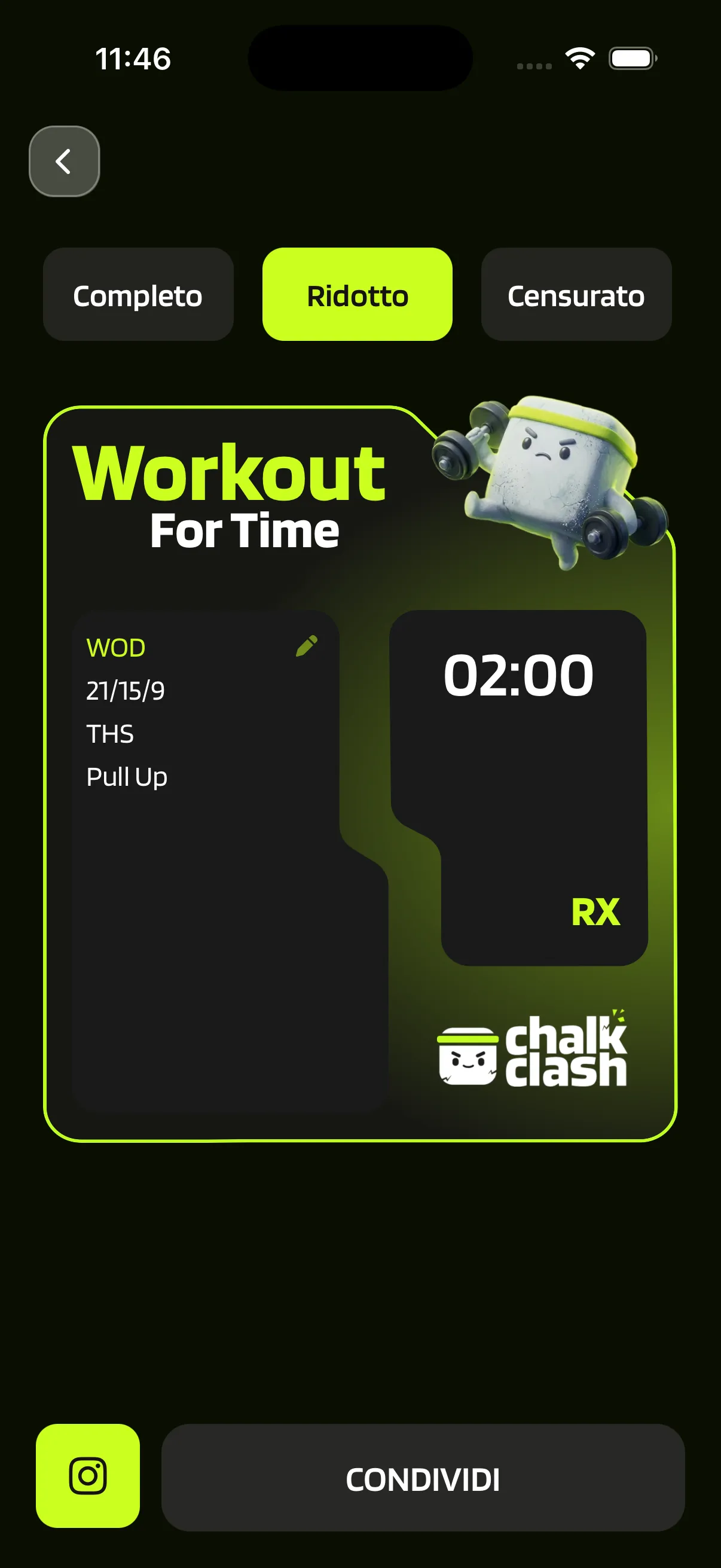
Puts the score front and center while keeping the workout visible in a cleaner two-panel sticker.
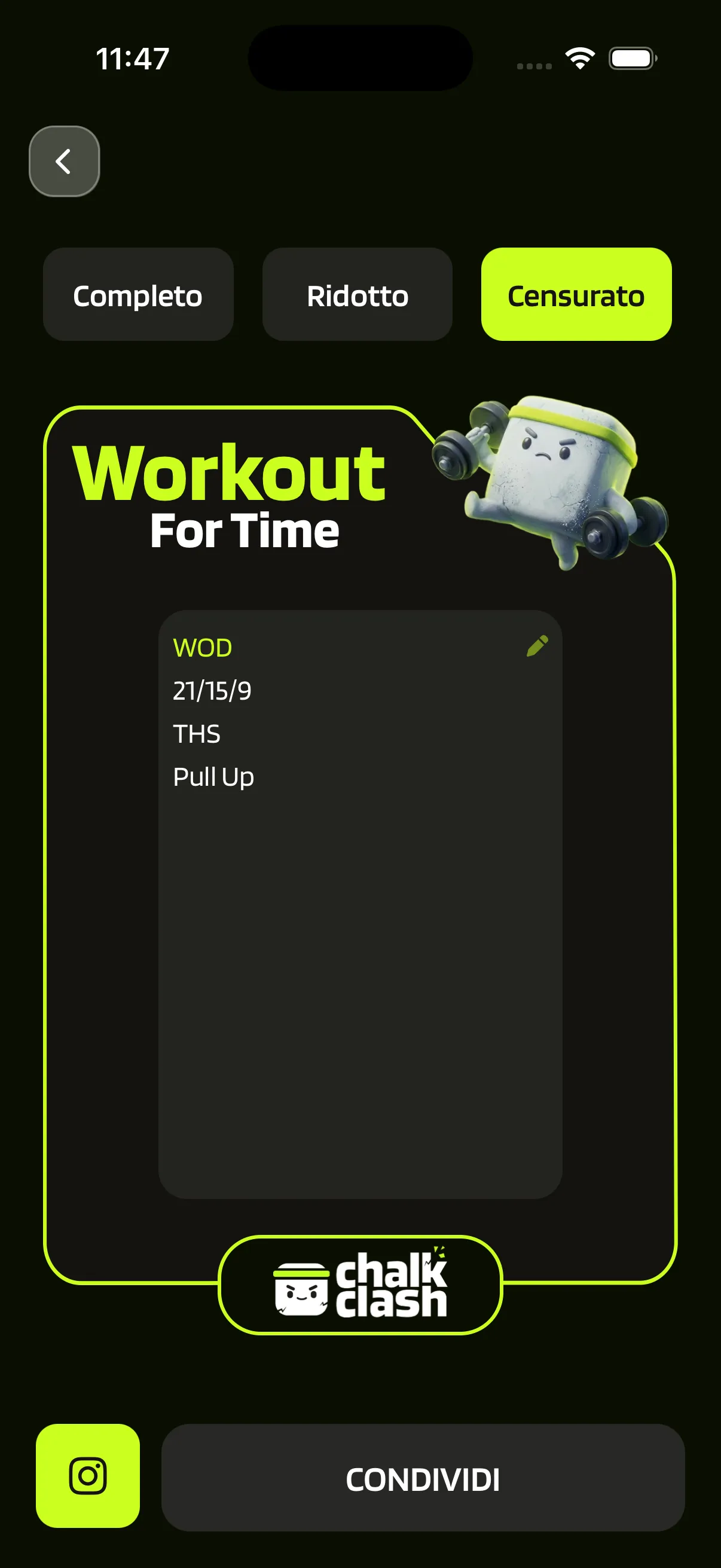
Makes the post more discreet when you want to celebrate the result without showing every detail on the sticker.
How It Works
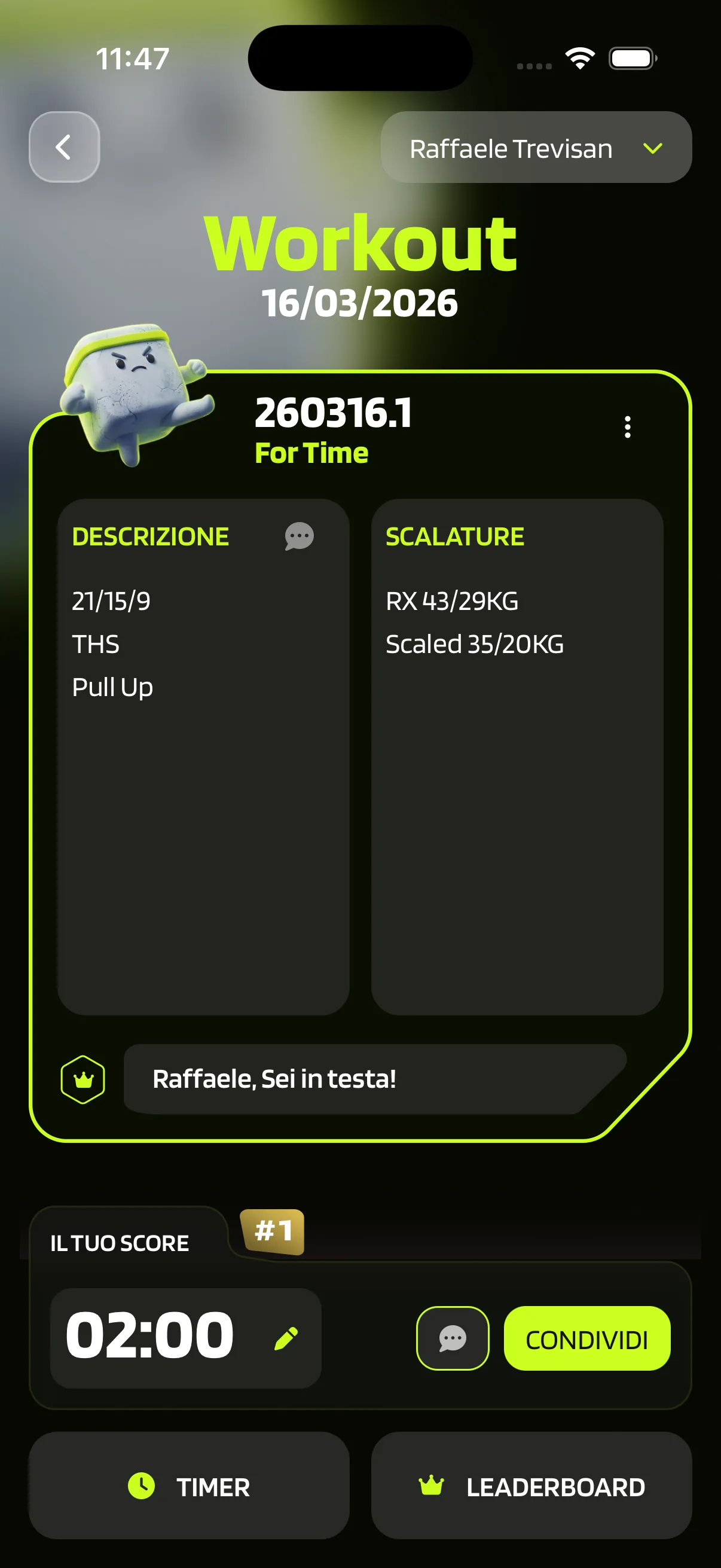
Finish the workout, open the saved result, and jump straight into the share screen from the score view.
Choose the sticker style you want and edit the workout text before exporting if you want to clean it up or personalize it.
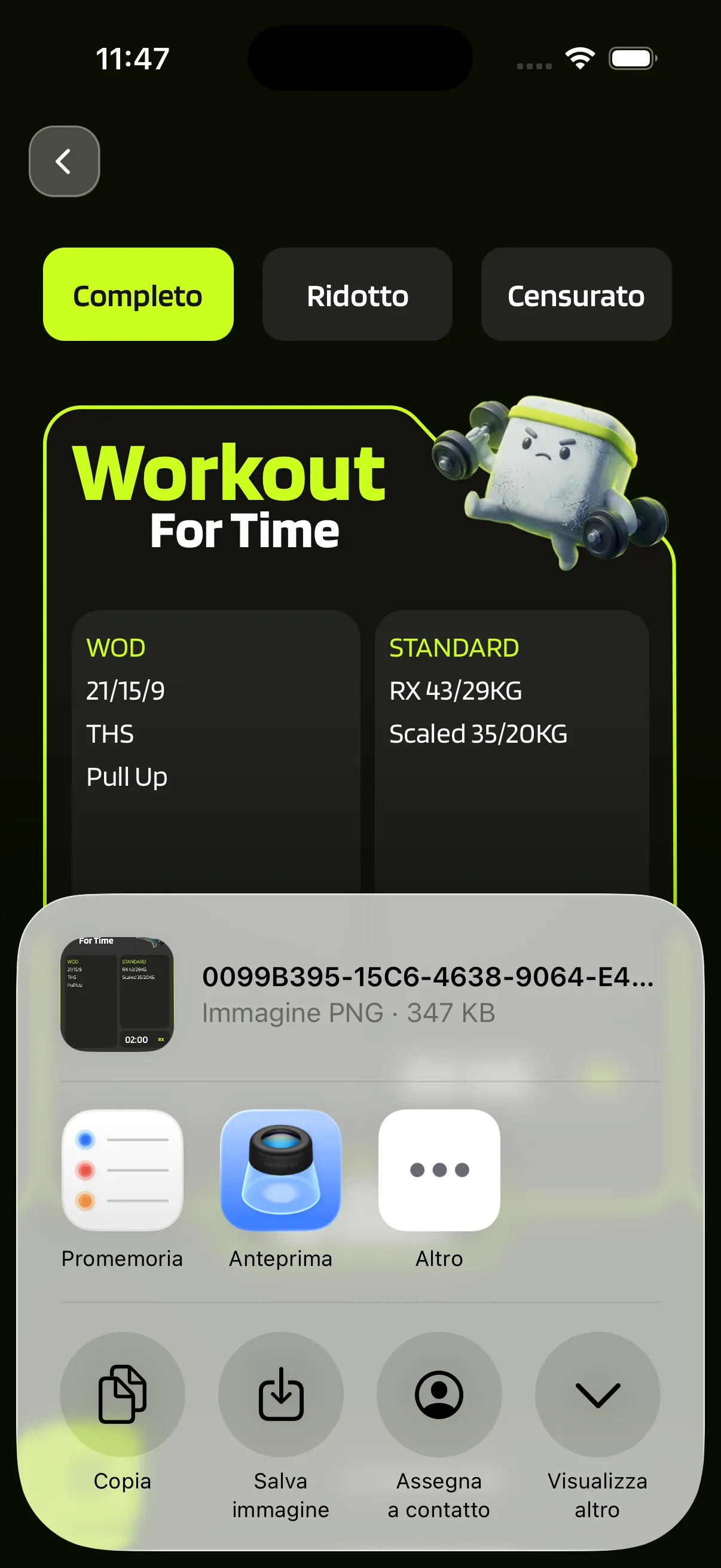
Post directly to Instagram Stories or export the sticker to share it elsewhere, save it, or reuse it in another editing app.
FAQ
Download ChalkClash and turn your next score into a story-ready sticker in seconds.